
How it works
01
Point at the edge
All you see at the right edge is a narrow translucent strip of colored squares.All you see at the edge is a narrow strip of colored squares.
02
Pick a sticker
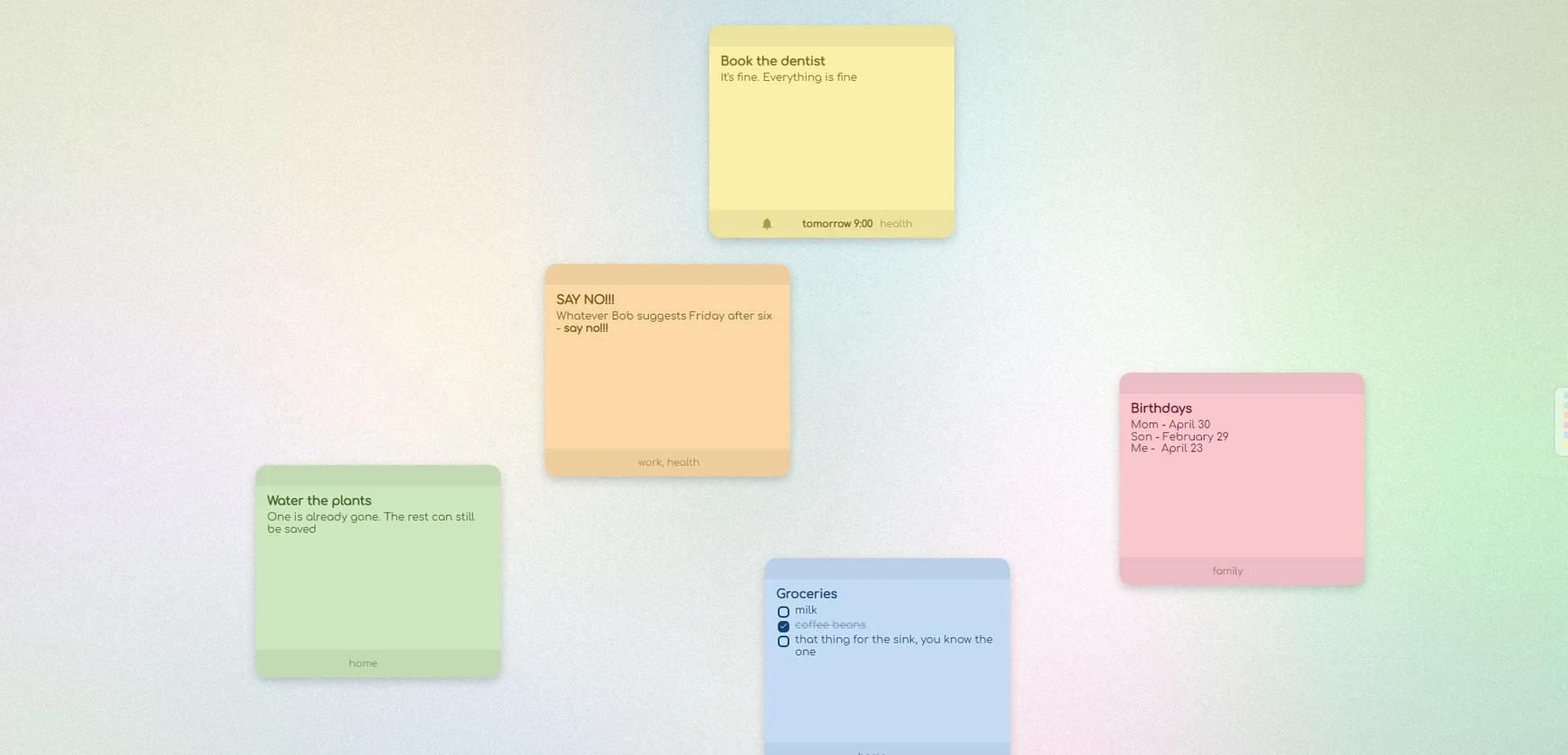
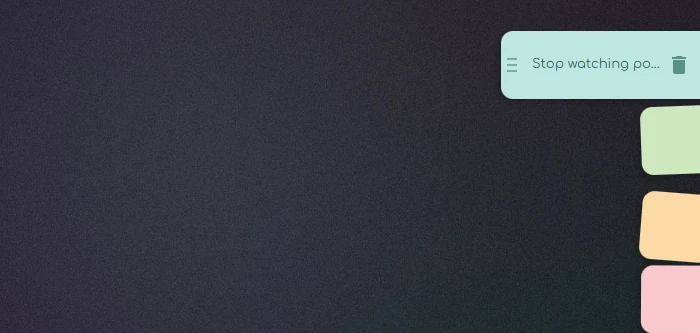
A stack of paper stickers slides out, each tilted a little differently.A stack of stickers slides out, each tilted a little differently.
03
Write it down
Click and the sticker opens in a window. Move the cursor away and the stack hides again.
Features
A stack past the edge
Pages, tags, and a filter by tag and color.
Markdown
Checklists, headings, links, code. Ctrl+E switches between view and edit.
Reminders
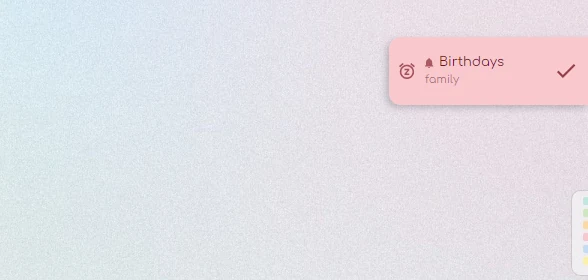
One-off and repeating, they slide out as a card at the edge. Game mode keeps them out of your full-screen games.
Attachments
Drop in images and files, or paste them with Ctrl+V.
Export to .md
Export to a folder as plain .md filesPlain .md files — readable without the app, for example in Obsidian.
Sync
Between computers, no account. Records are encrypted on the device — the server can’t read them.
English and Russian interface · Windows 10 and 11 · free
Privacy
No account: your notes live on your computer. Sync is optional, and the server only ever sees encrypted records. Export makes a copy as plain .md files — readable even without the app.No account: your notes live on your computer. Sync is optional and encrypted.
- No account — nothing to sign up for
- Encrypted on the device — only you hold the key
- A copy in .md — the files stay yours
Screenshots
What’s next
Done
Sync
Between computers, no account. The server keeps only encrypted records — the key stays with your devices.
Done
Android
Stickers and reminders on your phone — in the same bridge as your computer. Download the APK; Google Play is coming soon.
Once funded
iPhone
It needs an Apple developer account and a Mac to build on. It ships once there’s enough support for both.
Support Stickene
Stickene is made in spare time — no ads, no data collection. A subscription or a one-time tip brings the iPhone version closer.
Get Stickene
One installer, no account, no subscription.
Download for Windows
Windows 10 and 11 · free
There is an Android version too: download the APK Need the Windows version? Download the installer
Don’t panic if your phone starts warning you
Chrome and Android love to scare people when a file doesn’t come from a store. Tap “Download anyway” and carry on. If Play Protect offers to scan the app, pick “Install without scanning”: it just hasn’t seen Stickene yet. More
If Windows shows a warning
On first launch you may see “Windows protected your PC” — that happens with new apps. Click “More info”, then “Run anyway”.You may see “Windows protected your PC”. Click “More info” → “Run anyway”.